


← All apps
SceneThread Camera app icon

Photo & Video

SceneThread Camera

A camera that edits while you shoot

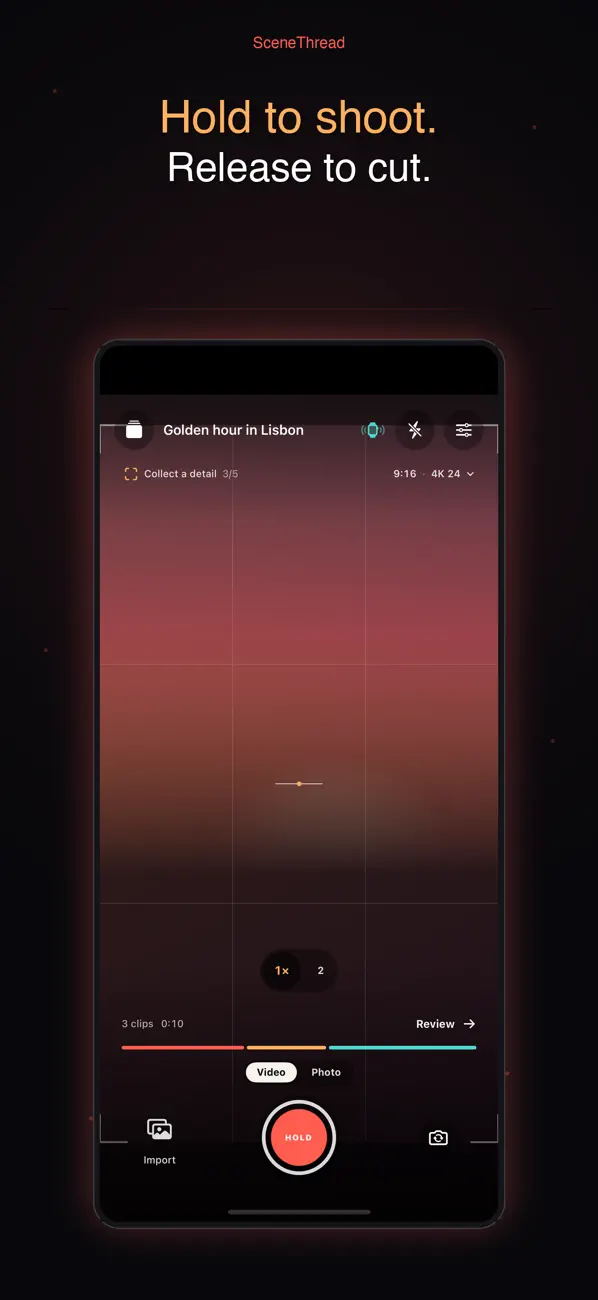
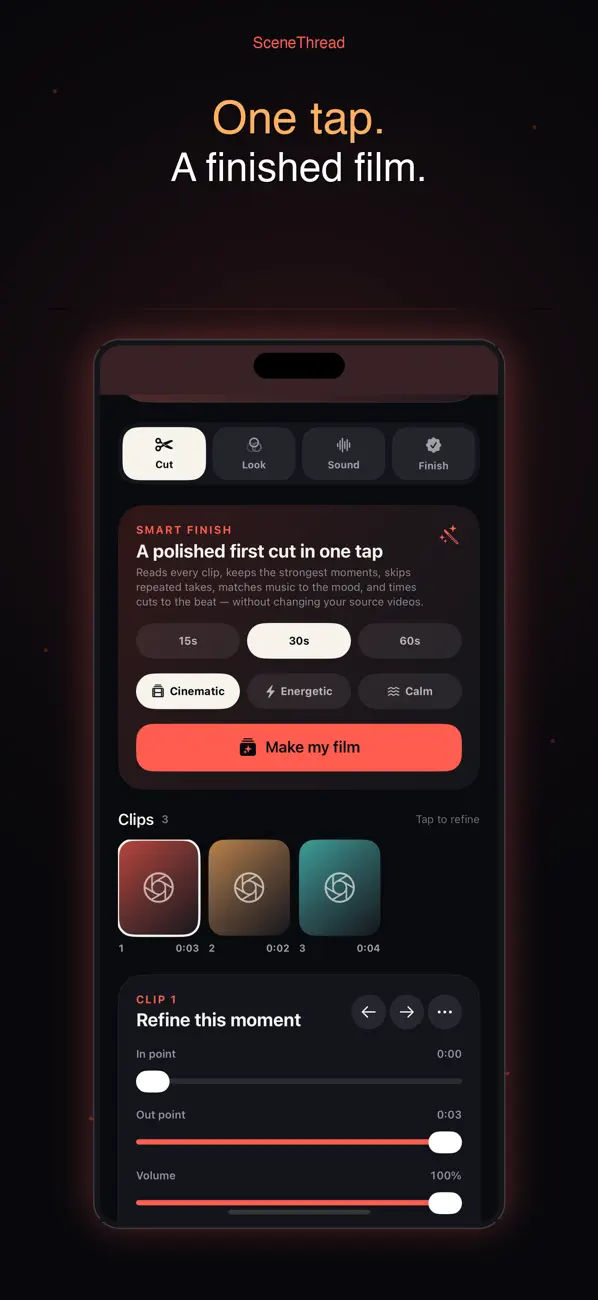
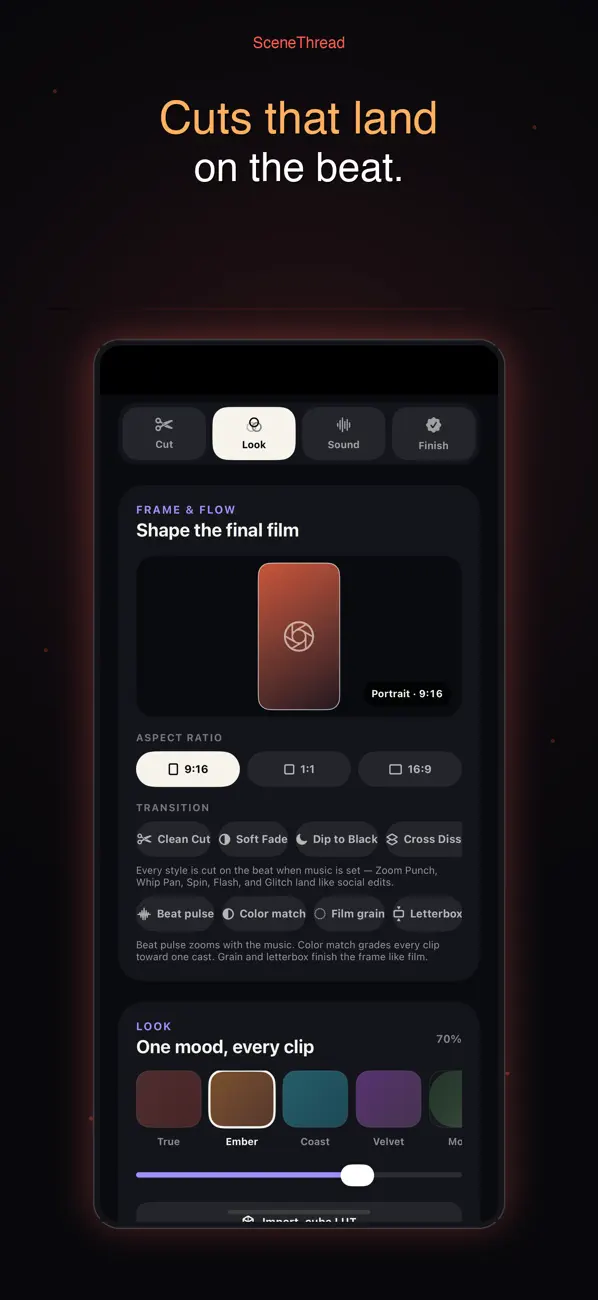
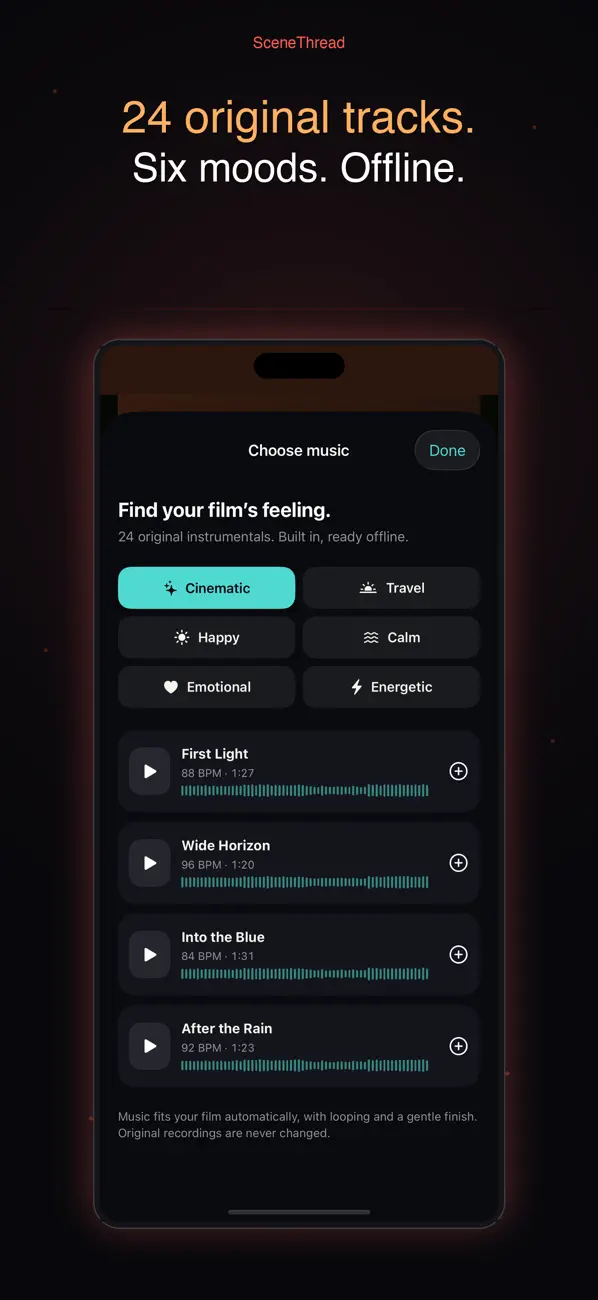
Hold the shutter to record, release to cut — every clip lands as a colored thread on a live timeline, so your film takes shape before you open an editor. Smart Finish then keeps the strongest moments and times the cuts to the music. Pro capture controls, and an Apple Watch remote for your wrist.

iOSApple Watch
SceneThread Camera screenshot 1 SceneThread Camera screenshot 2 SceneThread Camera screenshot 3 SceneThread Camera screenshot 4 SceneThread Camera screenshot 5 SceneThread Camera screenshot 6

Highlights

What SceneThread Camera does

Details

The practical bits

Runs on
iPhone and Apple Watch
Category
Photo & Video
Released
September 2026
Privacy & help
Privacy · Support

Get SceneThread CameraA camera that edits while you shoot

App Store ↗

More from the studio

See all fifteen apps →

ThinQR

A private AI wiki for everything you learn

Feed it notes, documents, web pages and scanned pages, and ThinQR builds a linked personal wiki you can question and explore as a knowledge graph. The AI runs on your device — Apple Intelligence or a downloaded Gemma model — and cloud models are strictly opt-in, with your own key. Pro is a one-time purchase that adds quizzes, voice-memo capture and Lint + Heal.


iOSiPadProductivity

Little Grove: Animal Play

A gentle 3D world for ages 2–5

A calm 3D world for little explorers and the grown-ups beside them. Start free with Sunny the lion and the playground; one purchase adds eleven more animals and four more places to pretend in — a hospital, school, fire station and airport. No ads, no tracking, and every grown-up control behind a gate.

iOSiPadKids

Spacemaker

Reclaim your Mac’s disk space, safely

Spacemaker shows you exactly where your Mac's storage went and helps you take it back, safely. It finds developer junk — Xcode DerivedData, simulators, node_modules, package caches, Docker images — plus large files and duplicates. Nothing is deleted outright: picks land in a Review Queue, and one confirmation moves them to the Trash.

macOSUtilities