Release notes
ThinQR is live — a private AI wiki that lives on your phone
Our fifteenth app is on the App Store. ThinQR is a personal knowledge base that does the organizing for you: give it your notes, documents, web pages and scanned pages, and it writes them up as a linked wiki you can browse, question and keep sharp — with the AI running on your iPhone or iPad, not on someone else's server.
Most of what we read ends up in a notes app, and most notes apps are where knowledge goes to be forgotten. The filing, linking and revisiting are the parts that make it stick — and the parts nobody has time for. ThinQR's premise is that an AI can do that work, as long as it's working for you and your notes never have to leave your device.
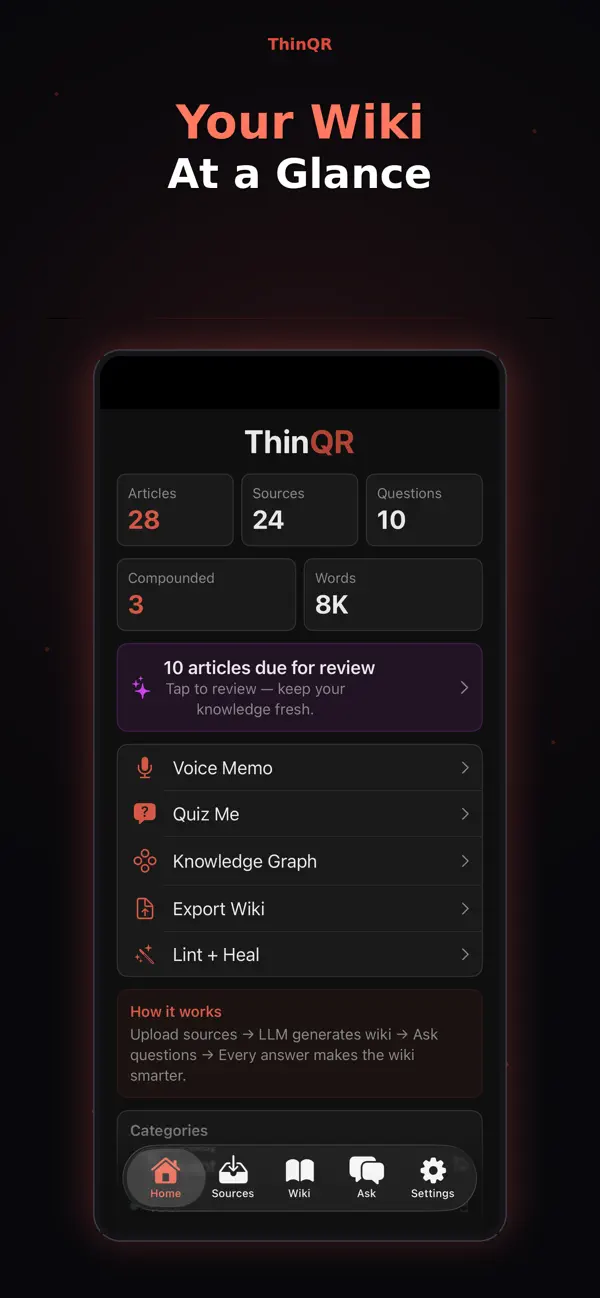
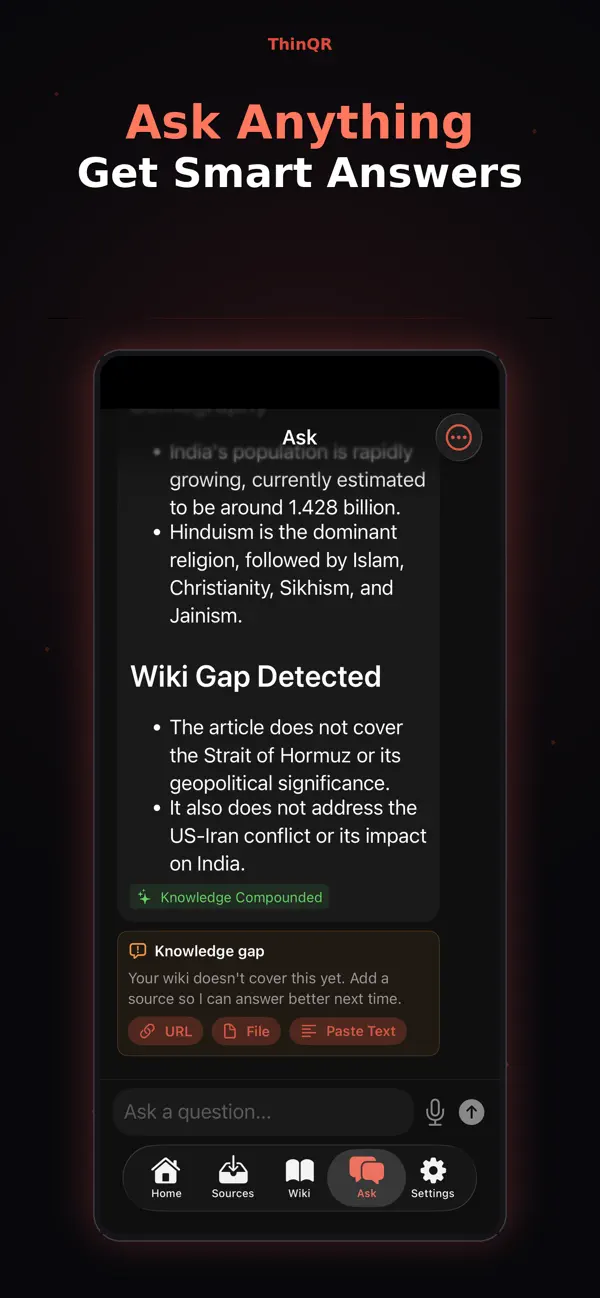
What shipped in 1.0
- Capture from anywhere. Scan a page, grab Live Text, import a file or a URL, paste text, or search the web — ideas, articles and notes land in seconds.
- A wiki that writes itself. Your sources become linked articles, organized by category and tag, that you can browse like a reference you wrote yourself.
- Ask anything. Answers come from your own knowledge base. When it doesn't cover something, ThinQR says so and flags the gap, so you know what source to add next.
- See how ideas connect. A knowledge graph clusters related articles, so the shape of what you know is visible at a glance.
- QR built in. Scan and connect knowledge using QR codes.
- Backups you own. Export your articles, sources and Q&A as a file, and restore them whenever you like.
Pro, once
ThinQR is free to download. ThinQR Pro is a one-time purchase — no subscription, nothing renews. It adds cross-source synthesis, voice-memo capture, Quiz Me (AI-generated quizzes on a spaced-repetition schedule), a graph time-lapse, smart link suggestions, and Lint + Heal: an AI quality scan that finds inconsistencies, gaps, stale content and missing links in your wiki, then helps fix them.
A second brain is only useful if it's yours — so the thinking happens on your device, and nothing leaves without your say-so.
On-device by default, cloud only when you say so
ThinQR's AI runs on your device: Apple Intelligence on supported devices, or an open-weight Gemma model the app downloads for you — a plain file download that doesn't include any of your content. There's no account and no server of ours, and we never receive your notes.
If you'd rather use a cloud model, you can bring your own Claude or OpenAI API key. ThinQR explains exactly what would be sent and asks for your permission before anything leaves your device; your key stays in your device's keychain, and you can switch it off at any time in Settings → AI Models. The full details are in our privacy policy.
Try ThinQRYour knowledge, your privacy, your assistant — free on the App Store.
App Store ↗